

Universal design approach
Making workplaces work better for everyone.
Universal design creates accessible, inclusive and welcoming workplaces. It ensures people of all ages, abilities and needs can work comfortably and safely.
What universal design means in practice
Universal design is about designing spaces to meet the needs of as many people as possible, recognising that no single design can suit everyone.
Good universal design means:
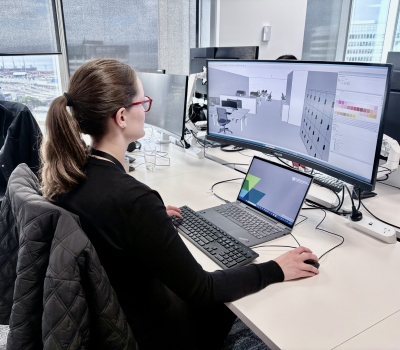
Designer using CAD programme to plan an ambient zone.
- engaging with staff to understand any specific needs the workplace needs to meet
- catering for a wide range of abilities, preferences, and ways of working
- including self‑contained facilities that anyone can use
- providing well-designed and private toilets and amenities
- using simple, clear and inclusive signage
- supporting different sensory needs and levels of stimulation
- giving people choice about how and where they work within the workplace.
Design choices that help make workplaces more inclusive and easier to use include:
- providing a range of work settings with different acoustic conditions (quiet spaces, low‑stimulus zones, collaborative areas)
- planning for quiet refuge spaces for people who may need lower sensory stimulation during the day
- providing user‑controlled features in enclosed spaces, such as adjustable lighting and ventilation
- providing self‑contained toilet and shower facilities
- including spaces that support wellbeing, parents, recovery/first aid, and reflection/prayer
- using simple and intuitive wayfinding - consistent symbols, colour cues, and signage
- ensuring circulation routes are wide and unobstructed, supporting mobility aids and safe movement at busy times
- using strong visual contrast between vertical and horizontal surfaces (e.g., walls/floors, doors/walls) to support people with low vision
- including tactile elements such as textured surfaces at thresholds, handrails, or wayfinding features to help navigation
- selecting materials that reduce glare, echo, and visual clutter
- providing inclusive furniture and workstation choices that support varied body sizes and needs, like a choice of leaner/seated tables and chairs with and without arms
- considering sensory impacts, such as locating noisy equipment or work settings away from quiet work zones or providing retreat spaces for low‑stimulation needs
- making digital tools accessible, supporting screen readers, captions, and hybrid collaboration.